

In today’s fast-paced digital world, businesses are constantly seeking efficient and effective ways to engage with their customers. One of the most popular platforms for this is WhatsApp, which has over 2.9 billion users globally. Integrating WhatsApp into your helpdesk system can significantly enhance customer support, offering a seamless and personalized experience. This guide will walk you through the process of setting up a helpdesk with WhatsApp support, ensuring your business stays ahead in the competitive market.
Why Choose WhatsApp for Customer Support?
WhatsApp offers several advantages that make it an ideal choice for customer support:
- High Open Rate: With a staggering 98% open rate, WhatsApp ensures that your messages are seen by customers almost immediately.
- Convenience: Customers can reach out anytime, making it easy for them to get the assistance they need.
- Security: End-to-end encryption ensures that all communications are secure and private.
- Multimedia Support: The ability to send images, videos, and documents enhances the customer experience.
Steps to Set Up a Helpdesk with WhatsApp Support
1. Choose the Right Tools
To integrate WhatsApp into your helpdesk, you’ll need a reliable customer service platform. One such tool is LiveAgent, which allows you to connect your WhatsApp account to your ticketing system. This integration enables you to manage all customer interactions from a single inbox, streamlining your support process.
2. Integrate WhatsApp with Your Helpdesk
Once you’ve selected your helpdesk software, follow these steps to integrate WhatsApp:
- Enable WhatsApp Integration: Log in to your LiveAgent account and navigate to the Configuration section. Select WhatsApp and enable the feature.
- Add Your WhatsApp Number: Go to the WhatsApp numbers section and add a new number. Provide the details from your Twilio or 360dialog account and save the configuration.
3. Customize Your WhatsApp Business Profile
A professional business profile is essential for building trust with your customers. Customize your profile by adding your business name, logo, and a clear description. Include important details such as working hours and contact information to guide your customers effectively.
4. Utilize Automation and Templates
Automation can significantly improve your response times and efficiency. Use quick replies and message templates to provide accurate and detailed responses. Additionally, set up automated greetings to inform customers that their request has been received.
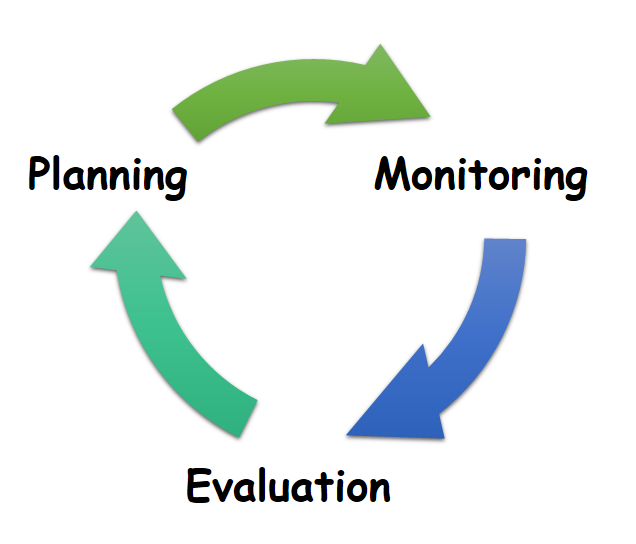
5. Monitor and Analyze Performance
Use the analytics features of your helpdesk software to track key metrics such as response times, customer satisfaction scores, and engagement rates. This data will help you identify areas for improvement and optimize your customer support strategy.
Best Practices for WhatsApp Customer Service
1. Respond Quickly
According to a report by BusinessDasher, 77% of customers believe that fast responses are the best service they can receive. Ensure that your team is always ready to communicate with customers whenever they require support.
2. Personalize Interactions
Customers find it frustrating to repeat themselves. Integrate WhatsApp with CRM tools to access customer details easily, allowing you to offer personalized support.
3. Leverage Rich Multimedia Options
Use images, videos, and emoticons to make interactions more engaging and human-like. This not only enhances the customer experience but also helps in conveying complex solutions more effectively.
4. Collect Customer Feedback
Gathering feedback directly from customers after a service interaction provides valuable insights for improvement. Use surveys, in-app ratings, and community forums to collect feedback and enhance your services.
5. Integrate with Other Channels
Make customer engagement smoother by integrating WhatsApp with other communication channels such as email, live chat, and social media platforms. This ensures a streamlined interaction regardless of the channel used.
Conclusion
Setting up a helpdesk with WhatsApp support is a strategic move that can significantly enhance your customer service. By leveraging the power of WhatsApp, you can provide fast, secure, and personalized support to your customers. Follow the steps outlined in this guide, and you’ll be well on your way to transforming your customer support operations. Remember, the key to success lies in continuous improvement and adapting to the evolving needs of your customers.
By integrating WhatsApp into your helpdesk, you not only meet the expectations of modern customers but also position your business for long-term success. Start your free trial today and experience the benefits of WhatsApp customer support firsthand.
About the Author




