

In the digital age, customer expectations have evolved rapidly. With over 3.2 billion active users globally, WhatsApp has become the go-to messaging platform for both personal and professional communication. For businesses, this means that integrating WhatsApp into their websites is no longer just an option—it’s a necessity. By adding a WhatsApp live chat plugin, businesses can meet customers where they are, offering instant support that boosts engagement, conversions, and overall satisfaction.

The importance of real-time communication cannot be overstated. Research shows that 80% of customers expect a response within 10 minutes, and 67% of them are more likely to return to a business that offers quick replies. This is where WhatsApp live chat plugins come in. These tools allow website visitors to initiate conversations with your team directly from your site, eliminating the need for phone calls or emails and reducing friction in the customer journey.
For example, imagine a visitor to a restaurant’s website who wants to know about today’s specials. Instead of filling out a contact form or waiting for an email, they can simply tap a WhatsApp button and receive an automated greeting with menu highlights in under 10 seconds. This not only improves the user experience but also increases the likelihood of conversion.
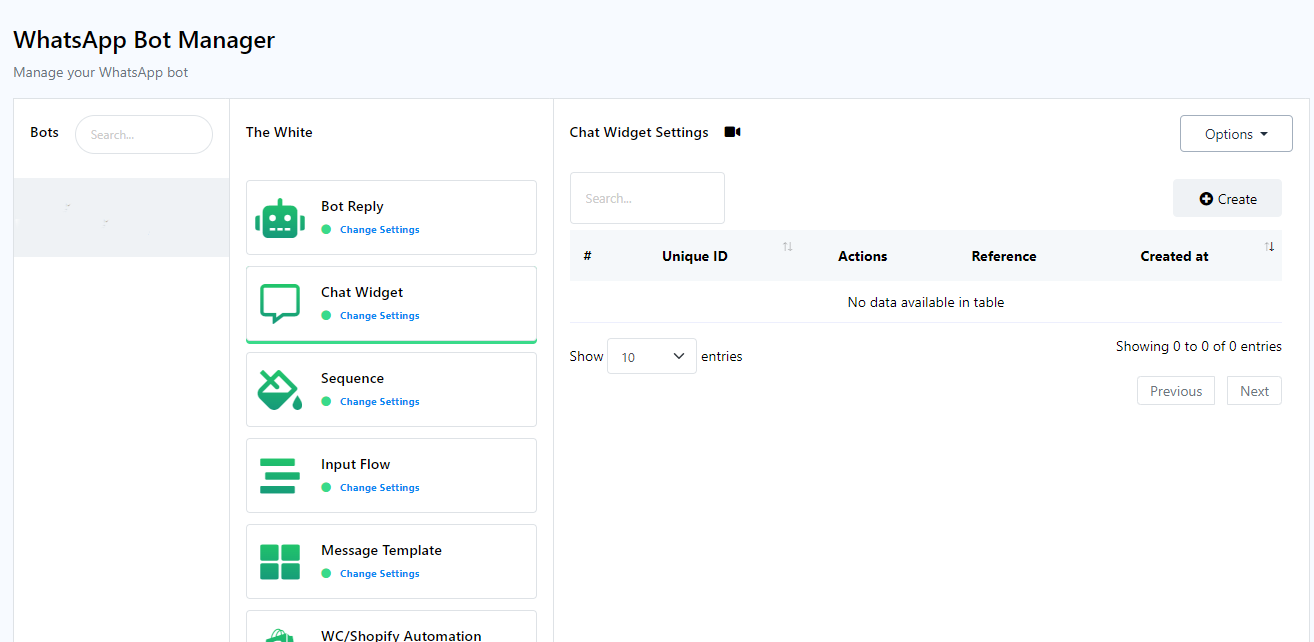
Here’s how you can add a WhatsApp live chat plugin to your website:
Step 1: Choose the Right Plugin
There are numerous WhatsApp chat plugins available for WordPress, each with its own set of features. Some popular options include:
– Simple Chat Button: A lightweight plugin ideal for consulting websites.
– WP Chat App: Offers a floating widget and “Order on WhatsApp” buttons for restaurants and e-commerce sites.
– Chatway: Combines live chat, FAQ, and multiple chat buttons (WhatsApp, Messenger, etc.).
– Click to Chat: Adds a simple WhatsApp button with customizable styles and pre-filled messages.
– Social Chat: Embeds a WhatsApp button with a pop-up contact box for a more personal touch.
Each plugin has its strengths, so choose one that aligns with your business needs and website design.
Step 2: Install and Activate the Plugin
Once you’ve selected a plugin, install it via your WordPress dashboard. Most plugins are easy to set up, often requiring just a few clicks. After activation, you’ll typically be directed to a settings page where you can configure the plugin.
Step 3: Configure the Plugin
This step involves setting up your WhatsApp number, customizing the chat button, and defining any pre-filled messages or greetings. You may also want to adjust the placement of the chat button—whether it should float at the bottom of the screen, appear in the sidebar, or be embedded within specific pages.
Some advanced plugins allow you to set business hours, display agent availability, and even integrate with analytics tools like Google Analytics or Facebook Pixel. These features help you track performance and optimize your chat strategy over time.
Step 4: Test the Chat Functionality
Before going live, test the chat functionality thoroughly. Ensure that the button works across different devices and browsers, and that messages are being sent and received correctly. Also, check if any automation features, such as pre-filled messages or scheduled responses, are functioning as expected.
Step 5: Promote the Chat Feature
Once everything is set up, promote the WhatsApp chat feature on your website. You can do this by placing the chat button in prominent locations, adding a brief explanation of how it works, or even creating a short video tutorial for your customers.
Benefits of Adding a WhatsApp Live Chat Plugin
Integrating a WhatsApp live chat plugin offers several advantages:
– Faster Response Times: Customers get immediate assistance, which improves satisfaction and reduces bounce rates.
– Increased Conversions: Real-time support helps convert visitors into paying customers by addressing their questions and concerns on the spot.
– Enhanced Customer Experience: A personalized, conversational approach builds trust and strengthens relationships with your audience.
– Scalability: With features like multi-agent support and automation, WhatsApp chat plugins can grow with your business and handle increasing volumes of inquiries.
Conclusion
Adding a WhatsApp live chat plugin to your website is a powerful way to stay ahead of the competition and meet the evolving needs of your customers. Whether you’re running an e-commerce store, a restaurant, or a consulting firm, these tools provide a seamless, mobile-friendly way to connect with your audience and deliver exceptional service.
By following the steps outlined above and choosing the right plugin for your business, you can transform your website into a real-time support hub that drives engagement, boosts conversions, and fosters long-term customer loyalty.
About the Author




